


Password Reset
If you lost your account data (user name or password), the only way to retrieve them is to use the password reset procedure. This procedure is described in this article. Note that you should only follow the password reset procedure if you have created an EasyChair account before. If you have not had an account before, you will not receive any password.
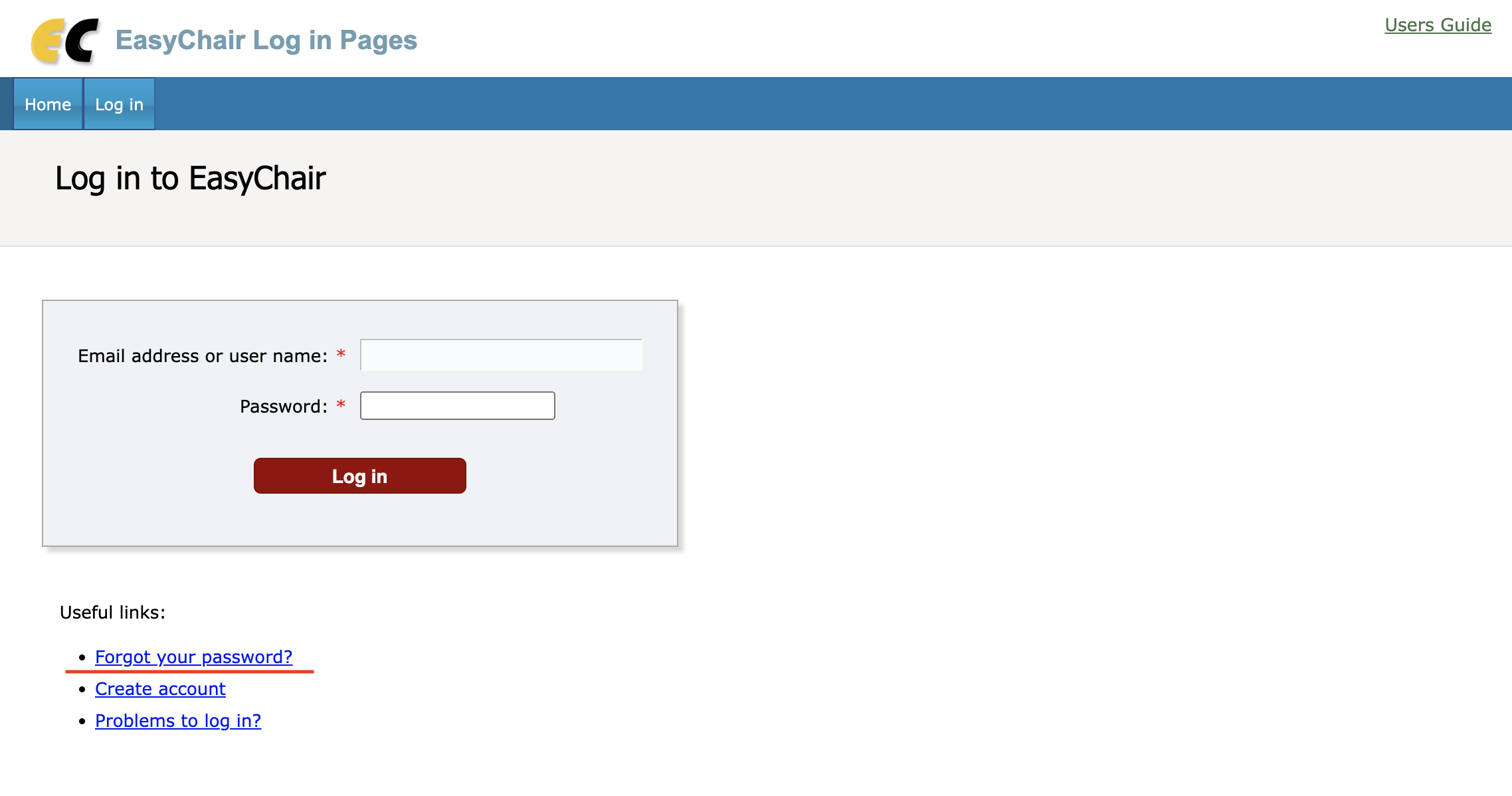
Step 1: the Forgotten User Name or Password Page
You should first access the forgotten user name or password page and fill out the form giving either your user name or the email address on your EasyChair account. It is common for EasyChair users to have several email addresses, so you should be careful that you use an email address associated with your EasyChair account.
Step 2: Checking Your Mail Box
If you entered an email address, EasyChair will send an email to this address with the subject "EasyChair password reset request". The content of the email depends on whether there is an account associated with this email address. If there is no such account, the EasyChair email will essentially say "there is no EasyChair account associated with this email address". If there is such an account, the EasyChair email will ask you to confirm your request by following a password reset link. You should click on the link, it will bring you to the password reset page.
Step 3: Password Reset
The password reset page will inform you of your user name. You should save this user name since it will not be emailed to you. If you only forgot your user name and remember your password, this is enough for logging in. It will also contain a password reset link. If you click on the password reset link, your password will be reset and emailed to you.
Step 4: Checking Your Mail Box Again
You will receive a letter with the subject "EasyChair password reset". It will contain your new password. You should use it together with your user name retrieved at step 2 to log in.
It Does not Work!
We typically make between 700 and 1,000 successful email resets per day, so we are confident that our procedures work correctly. There are two main potential causes of password reset not working:
- Our emails are caught by your spam or other mail filters. This situation is beyond our control. You should configure your mail box to accept emails from us. The current "from" address used on our password reset emails is noreply@easychair.org but it may change in future
- Incorrectly typed password. The password we send you is a random sequence of characters. If you try to retype it, it is easy to make a mistake. For example, it is hard to tell the character "l" (lower-case letter L) from the character "1" (a digit) or letters o and O from the digit 0. We recommend you to use copy and paste to type in the password you received from us.